

Lightning to HDMI Adapter 1080P Digital AV Jack USB Otg Cable for Projector Monitor TV for iPhone
ID13537235
Tuol Kouk, Phnom Penh
인증된 계정
$22
설명
- Main Category
- Phones & Tablets
- Category
- Phone Accessories
- Accessory
- Accessory Kits
- Condition
- New
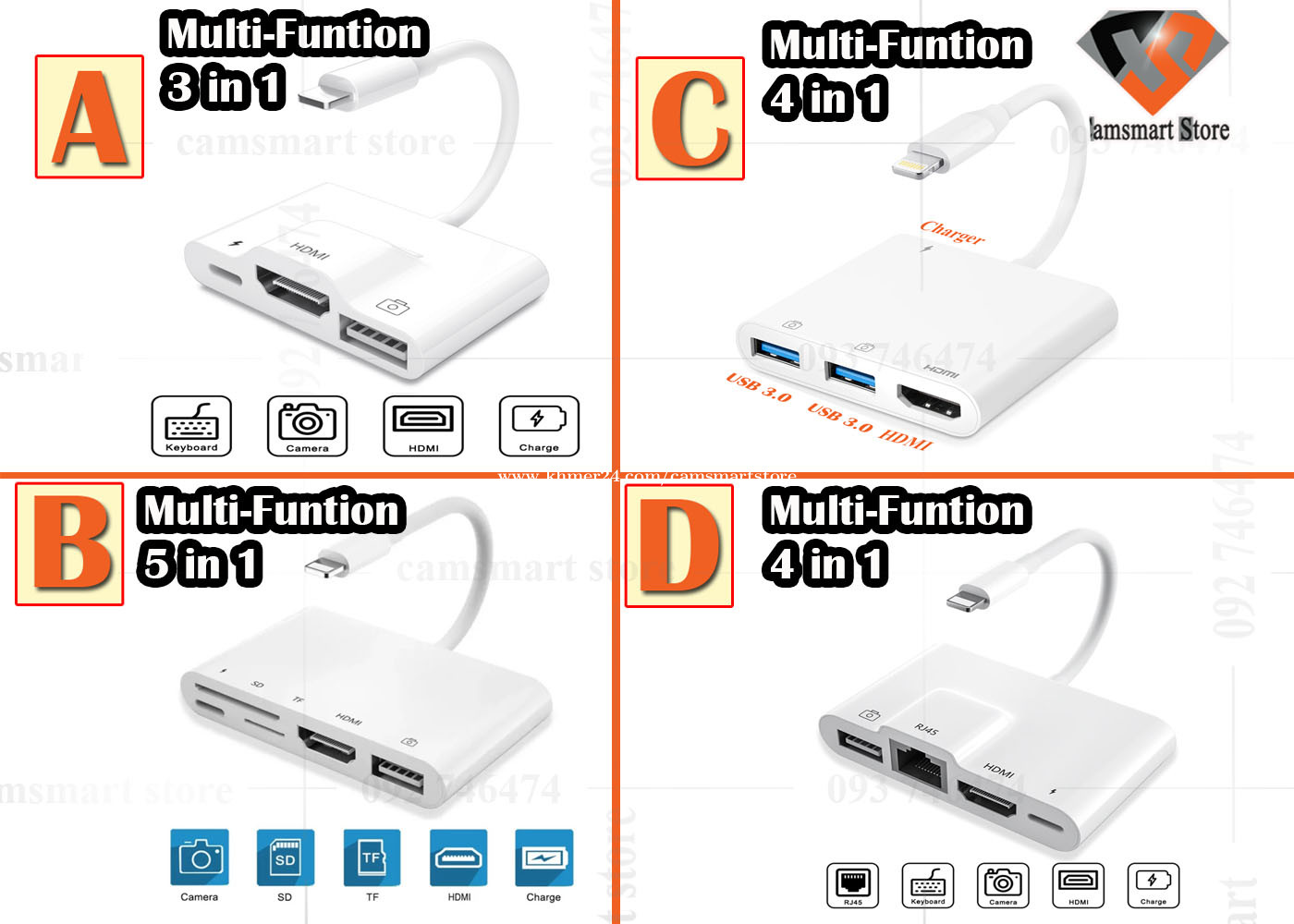
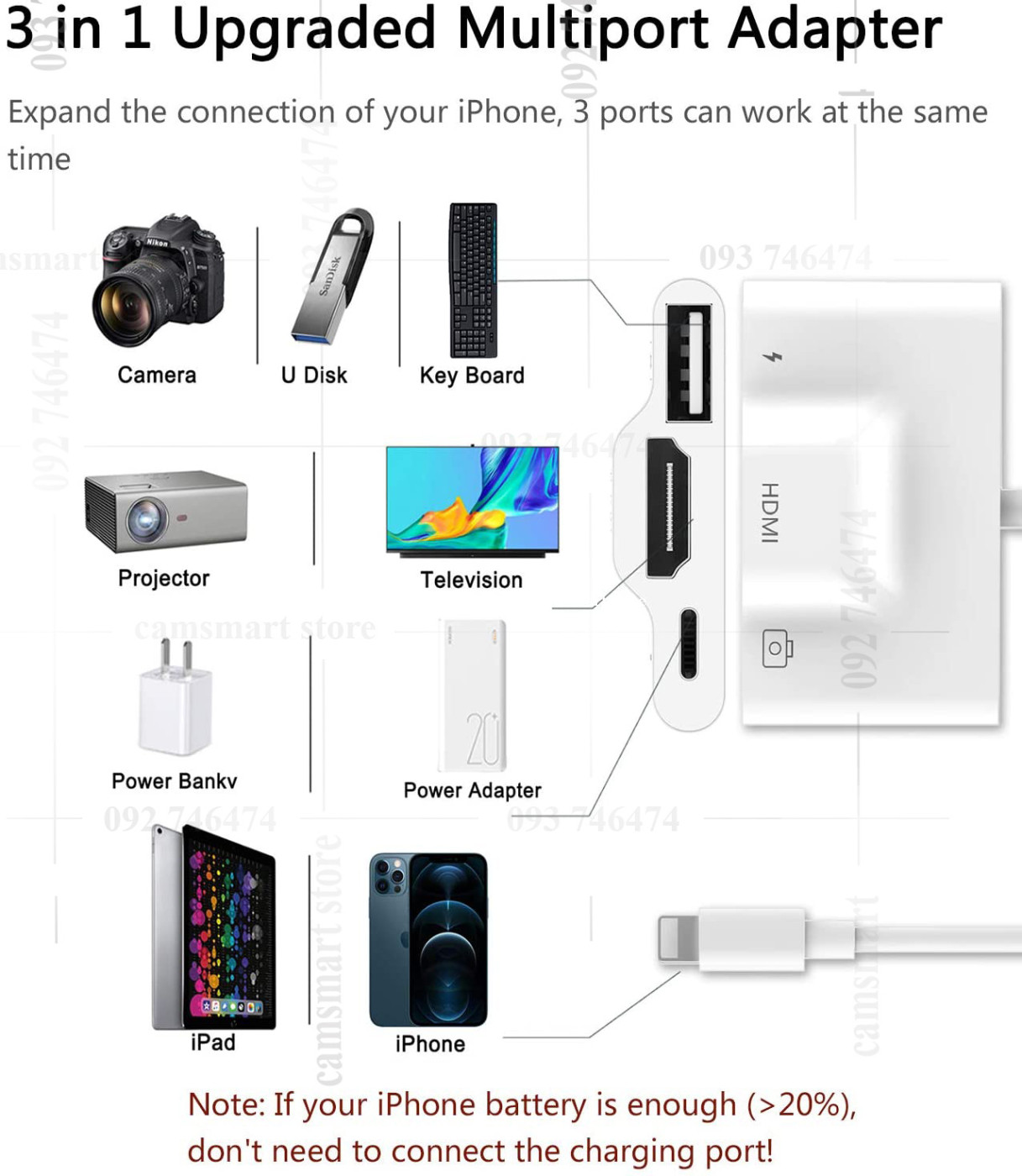
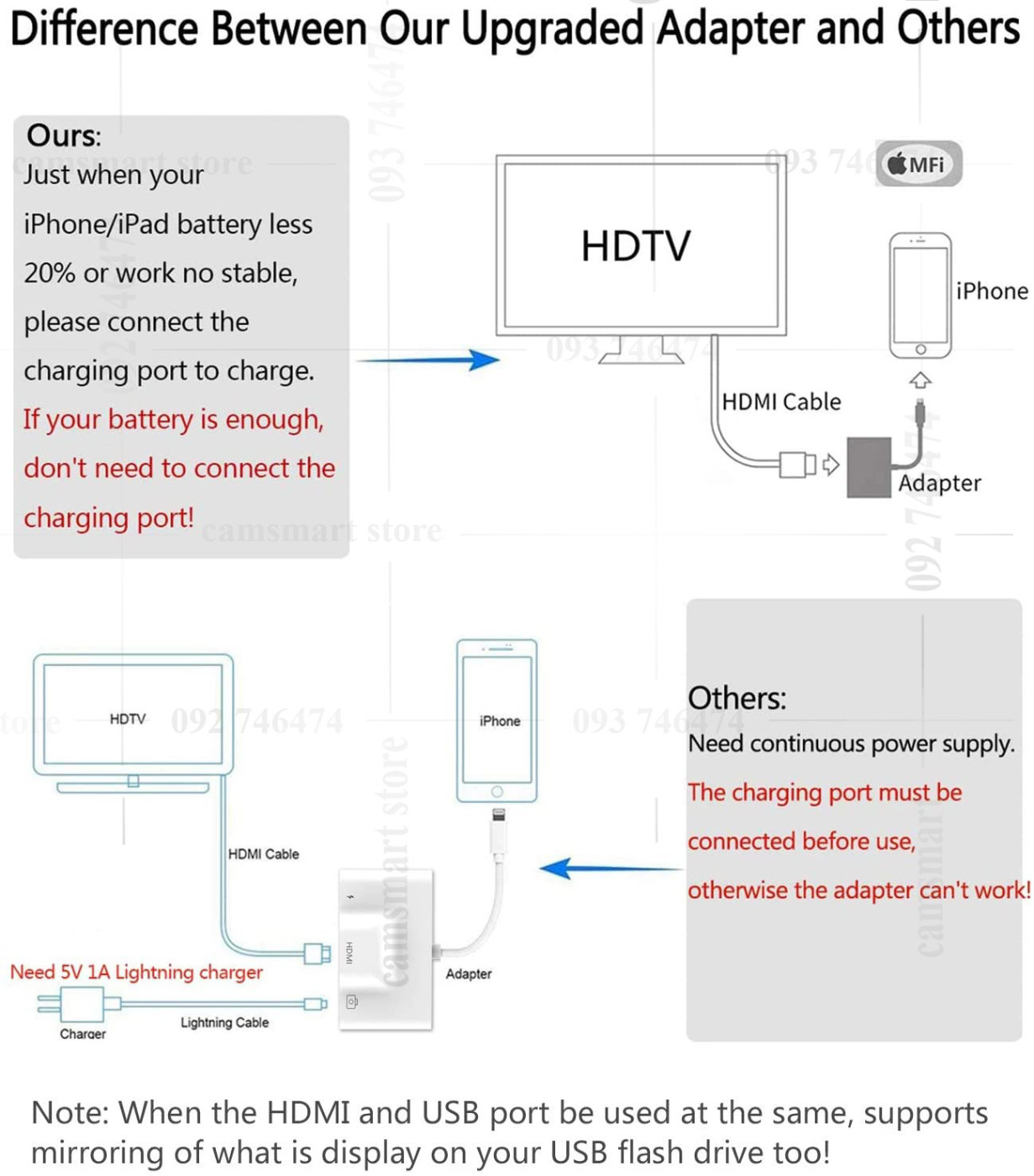
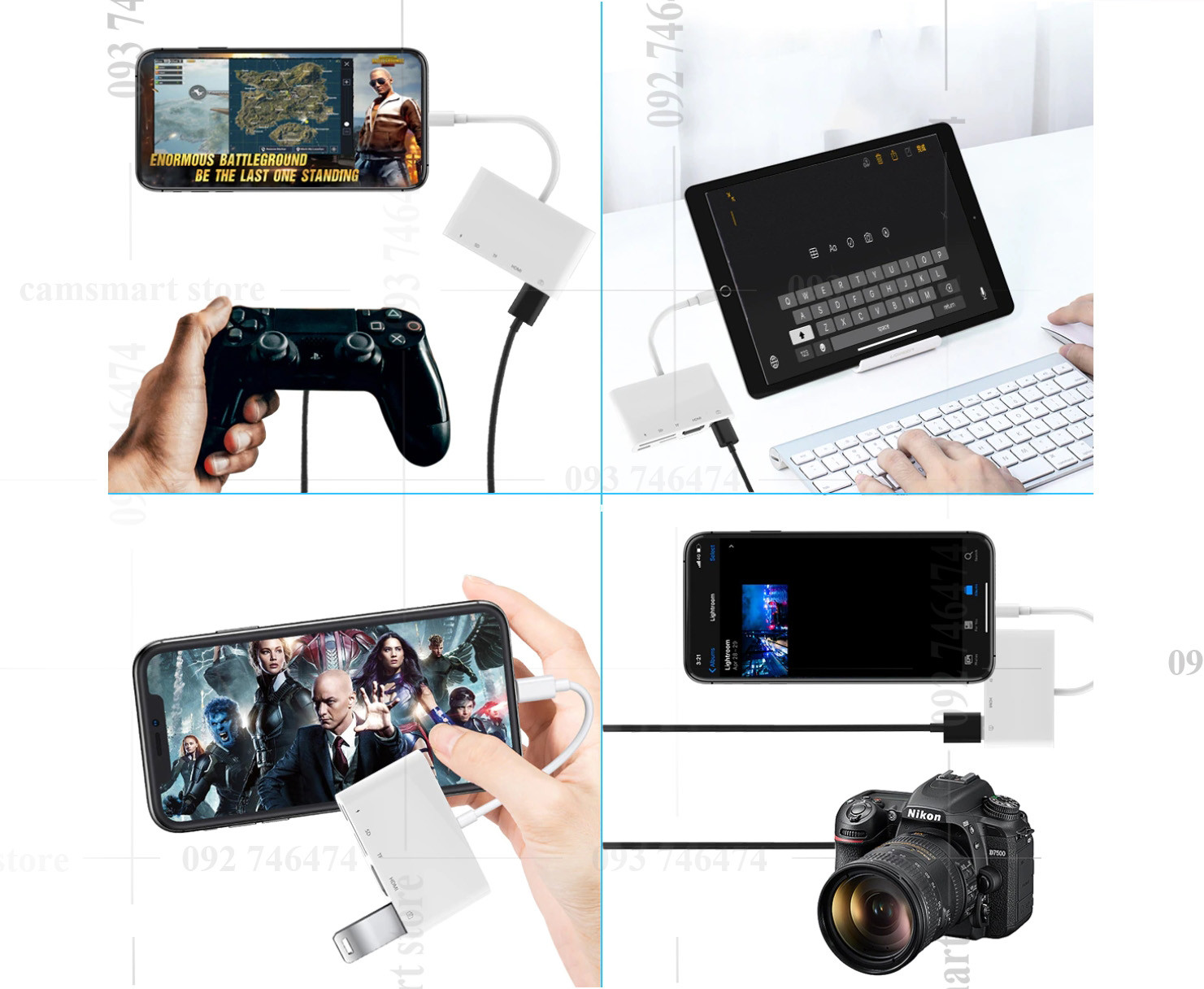
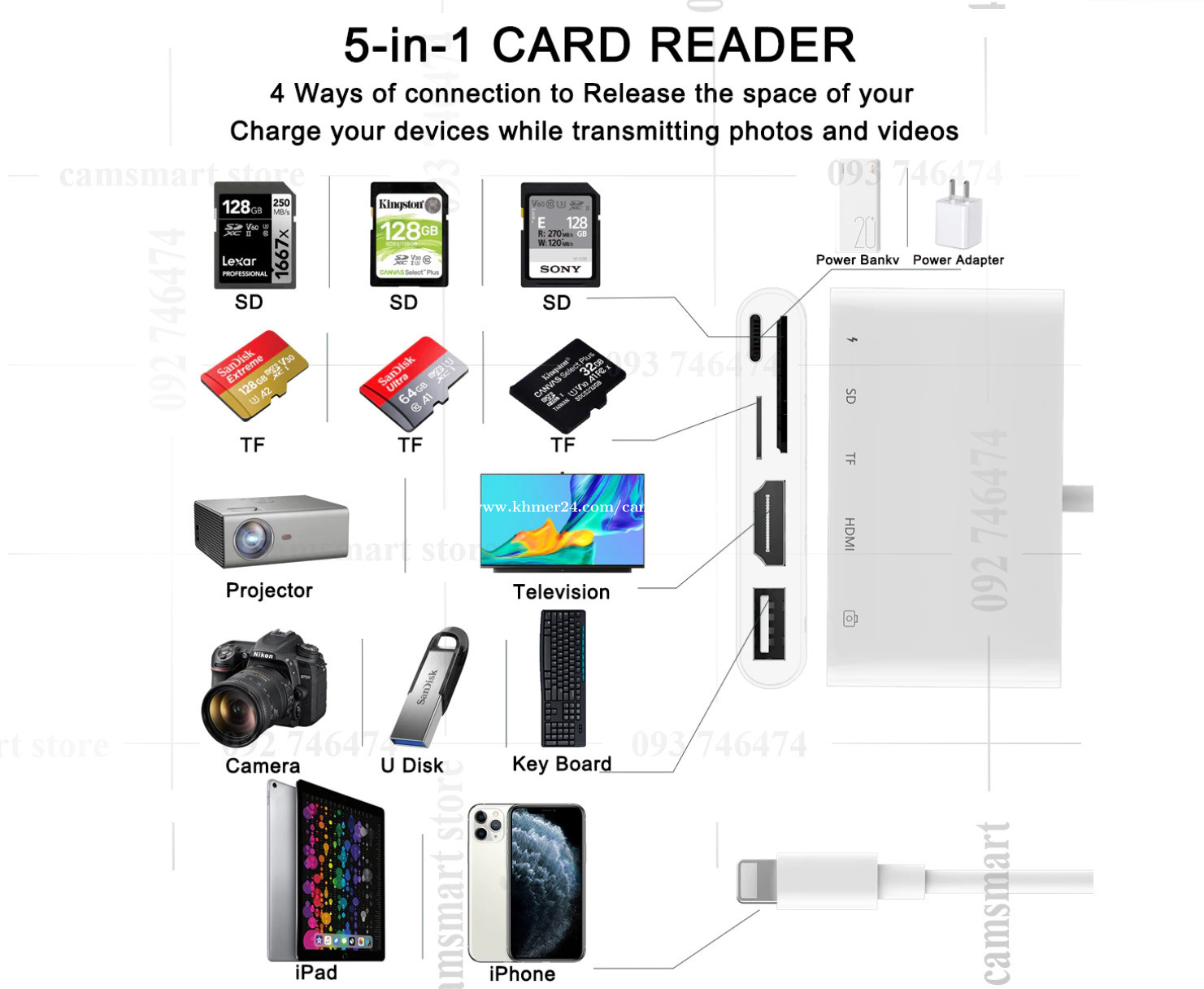
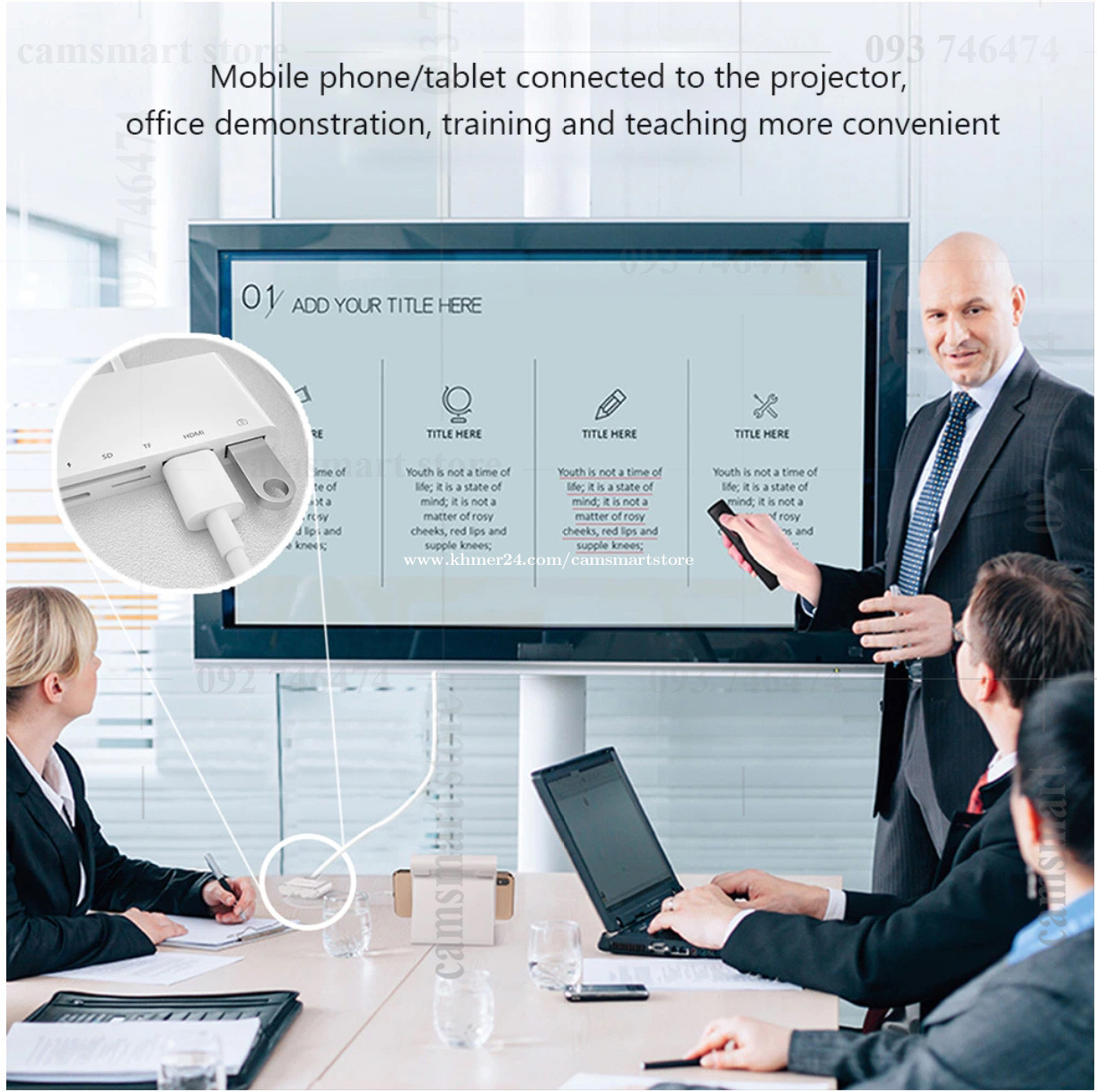
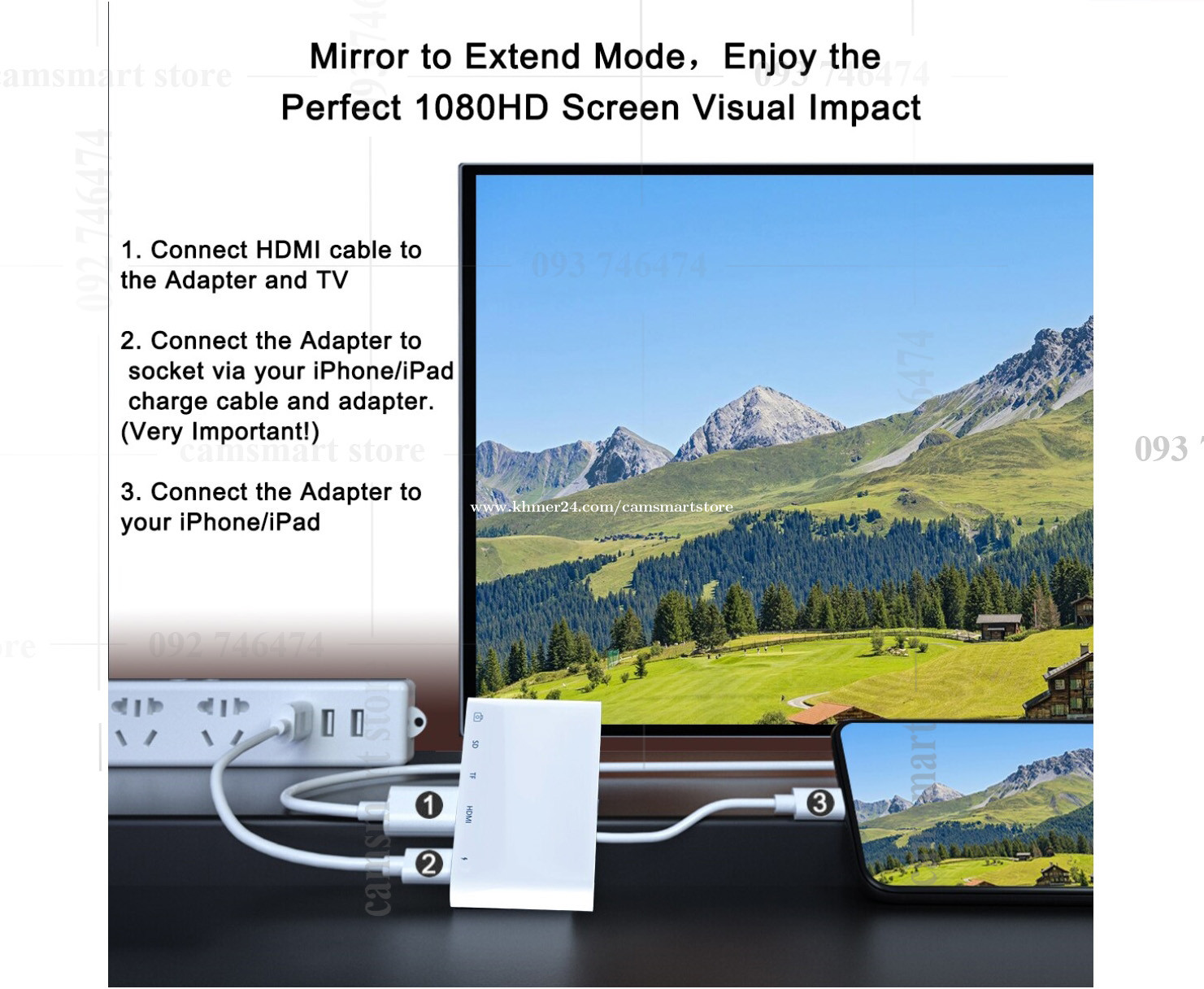
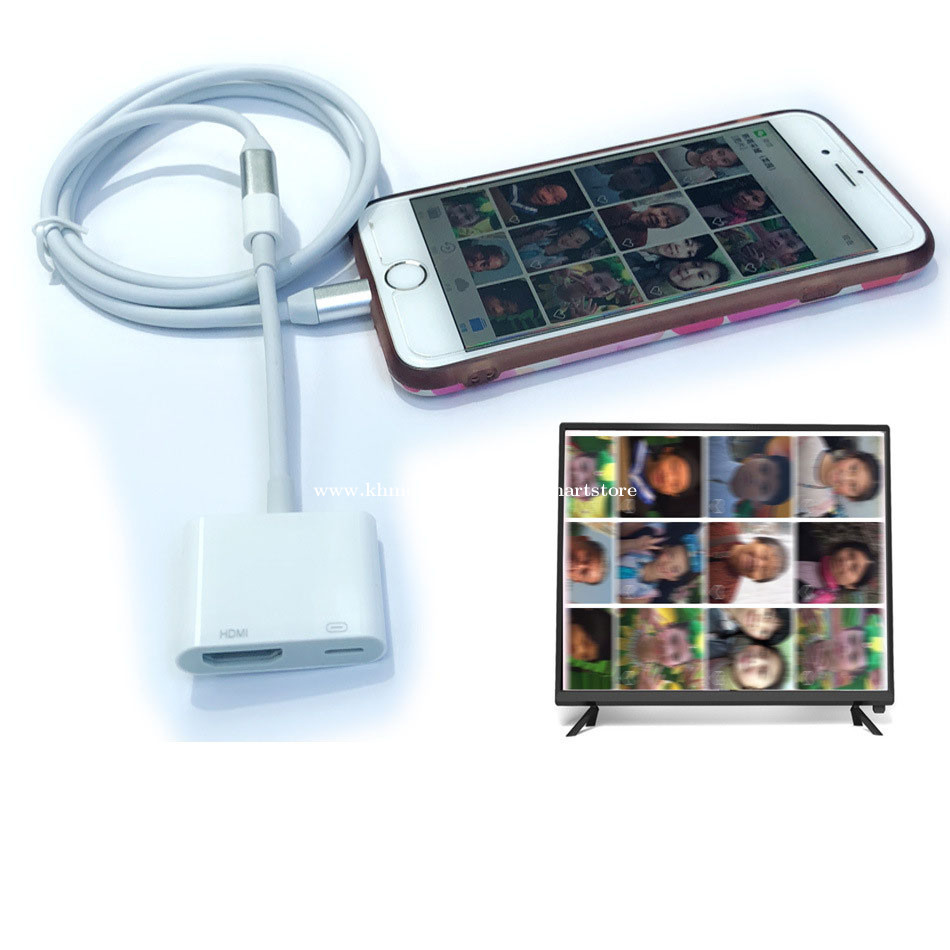
More products www.camsmartstore.com Contact Us By Telegram https://t.me/Camsmartstores A: 22$ B: 24$ C: 24$ D: 26$ Features: Use the Lightning Digital AV Adapter with your iPhone, iPad, or iPod with lightning connector. Lightning Digital AV Adapter supports mirroring of what is displayed on your device screen including apps, presentations, websites, slideshows, and more to your HDMI enabled TV, display, projector, or other compatible display in up to 1080P HD. Also outputs video content movies, TV shows, captured video to your big screen in up to 1080P HD. Simply attach the Lightning Digital AV Adapter to the lightning connector on your device and then to your TV or projector via an HDMI cable. Compact and lightweight design allows you to carry in your bag and connect your iPhone, iPad or iPod anywhere. This is perfect for home entertainment, training, business meetings and much more Product is compatible with IOS 10.1 or above system please make sure your iPad or phone device system is IOS 10.1-14 or above system C: Lightning to 100Mbps Ethernet Lan RJ45 1080P HDMI-compatible USB OTG Camera Adapter Hub For iPhone 11 8 X XR 12Pro Max for iPad Specification: 1.Length: 95mm 2.Weight: 50g 3.High Speed: 10Mbps/100Mbps 4.System Demand: iOS 10.x ( iOS 10.0.1- iOS 10.3.3 )+ iOS 11 x (11.0.1-14) For Lightning to RJ45 Ethernet LAN Network Adapter for iPhone/iPad 5.it's convenient to go-anywhere with simply connecting it to an available iPhone/iPad and LAN network, easy to carry and use.Also with a adapter for lighting to USB camera reader and charging port. How to Use: 1. Turn off Wi-Fi on your iPad or iPhone. 2. Insert your router-connected Ethernet cable into Ethernet port of our adapter, and connect the for lightning end into your iPad or iPhone. 3. Go to"Setting" in your iPad or iPhone and the Ethernet settings will show up on your screen. 4. Click the "Ethernet" to obtain an IP address. 5. Open Safari and check if the connection is working. 6.For Lightning port and the usb port: just connect and play Compatibility: 1.For iPhone Models: for iPhone 14/13/12/11/X/XR/XS/XSMAX/iPhone 8 Plus/8/7 Plus/7/6s Plus/6s/6Plus/6/SE/5s/5 2.For iPad Models: for iPad Pro/ iPad Air 2/ iPad Air/ iPad mini4/ iPad mini3/ iPad mini2 Friendly Note: 1. Please make sure your router-connected Ethernet cable is connected to internet. 2. This adapter can't dial-up internet itself,need your router device provide a IP by DHCP service. 3. This adapter cannot work with the devices whose system is below iOS10.0. Please upgrade your system to iOS 10.0 or up before using it. After-sales Service: -- If you have any questions or require any further information, please feel free to contact us , we will take immediate action to assist you and make our every effort to solve the issues you raised. #LightningtoHDMIAdapter #AppleMFiCertified3in1 #USBOTGDigitalCameraAVHubAdapter, #iPhone #12 #11 #iPad #USB #HDTV #Projector #Monitor #Lightningtocardreaterapter
전화번호를 보려면 클릭하세요. Khmer24.com에서 이 광고를 보았다고 말씀하시는 것을 잊지 마세요.
연락처 전화번호
ការមិនទទួលខុសត្រូវ / 면책 조항
យើងខ្ញុំមិនគ្រប់គ្រងមាតិកា ដែលបានបង្ហោះឡើងដោយសមាជិកឡើយ។ ដូច្នេះយើងមិនទទួលខុសត្រូវលើការផ្សាយផលិតផលនេះទេ ហើយក៏មិនធានាចំពោះបញ្ហាដែលទាក់ទងដោយផ្ទាល់ ឬ ប្រយោលទៅនឹងសកម្មភាព ឬ អសកម្មណាមួយឡើយ។
당사는 회원이 게시한 콘텐츠를 제어하지 않으므로 어떠한 책임도 지지 않으며, 모든 행위 또는 부작위와 관련하여 직간접적으로 발생하는 어떠한 책임도 부인합니다.